How to Write a Website Brief: A Clear, Actionable Guide

Before we dive into how to write a website brief, let’s get one thing straight: this isn’t just another bit of project paperwork. It's the absolute foundation of your entire website build. Think of it as the strategic blueprint that stops miscommunication dead in its tracks, gets your whole team on the same page, and makes sure everyone is pulling in the same direction from day one.
Why a Great Website Brief Is Your Project’s Strongest Asset
I've seen it time and time again: a vague or incomplete brief is the number one reason web projects go off the rails. It leads directly to blown budgets, missed deadlines, and a final website that just doesn't hit the mark. The brief is the bridge connecting your vision to your development team's execution, eliminating all the guesswork.
This document becomes the single source of truth for the entire project. It's what aligns stakeholders, designers, developers, and copywriters, ensuring every single decision supports the core goals you've laid out. It serves a similar purpose to a Statement of Work (SoW), acting as that critical document that prevents things from going sideways.
The Core Components of a High-Impact Website Brief
Here’s a quick overview of the essential elements your brief must include. We'll explore each of these in detail throughout the guide.
Component | What It Defines | Why It's Critical |
|---|---|---|
Purpose & Goals | The 'why' behind the project. What should the website achieve? | Aligns every decision with measurable business outcomes. |
Target Audience | Who the website is for—their needs, pain points, and behaviours. | Ensures the design, content, and UX resonate with users. |
Sitemap & Content | The structure of the site and what each page will contain. | Provides a clear roadmap for designers and developers. |
Design Preferences | Visual direction, branding guidelines, and inspirational examples. | Avoids subjective feedback loops and sets clear aesthetic goals. |
Technical Specs | Specific platform requirements (like Wix), integrations, and features. | Prevents technical roadblocks and ensures functionality. |
SEO & Conversion | Keywords, goals for user actions (e.g., sign-ups, sales). | Bakes performance into the site from the start, not as an afterthought. |
Timeline & Budget | Project milestones, deadlines, and financial constraints. | Manages expectations and keeps the project on track. |
Stakeholders | Who needs to approve what, and who has the final say. | Streamlines the feedback process and avoids confusion. |
Getting these components nailed down is the difference between a project that runs smoothly and one that's plagued by constant revisions and delays.
The Real-World Impact of a Solid Brief
Let me give you a real-world example. I once worked with a new e-commerce startup gearing up for a major product launch. Their initial "brief" was a single page of scribbled notes. After a bit of guidance, they spent a week fleshing it out properly, detailing everything from customer journey maps to the specific payment gateways they needed.
That extra effort paid off, big time. The development team spotted a potential integration conflict early on, saving what would have been weeks of expensive fixes after launch. The designers had a crystal-clear aesthetic to work from, and the copywriters knew the exact tone of voice to adopt. The result? A completely seamless launch that smashed all its initial sales targets.
A well-crafted brief isn't just about listing features. It's about articulating the 'why' behind every decision, empowering your team to build a website that doesn't just look good, but performs exceptionally.
Gaining a Competitive Edge
In the fast-paced UK market, you can't afford to waste time. A detailed website brief can reduce project timelines by up to 30%, simply because it allows the team to get it right the first time. This is especially true when you learn that 9 out of 10 UK clients prioritise speed to meet launch or event deadlines.
By putting in the time upfront to create a thorough brief, you’re not just organising your thoughts—you’re setting your project up for a smoother, faster, and far more successful outcome.
Right, so you’ve got a brilliant idea for a website. But before you dive headfirst into picking colours and fonts, we need to lay the groundwork. This is where we get strategic, turning those fuzzy "I want a new website" thoughts into a rock-solid plan.
Vague goals like "I want to increase sales" are the project equivalent of a wobbly table leg. They won't support anything. We need to be crystal clear on what success actually looks like and, just as importantly, who we're talking to. This is how your brief becomes a roadmap for success, not just a wish list.
Nail Down Your Goals (And Make Them SMART)
Your website goals are the engine of this whole project. Instead of broad ambitions, we need to think in terms of SMART goals: Specific, Measurable, Achievable, Relevant, and Time-bound. It’s a classic for a reason—it forces you to get real about what you want your website to do for you.
Let’s take a local bakery, for example. Their goal might start as:
The Vague Idea: "I want more people to order my cakes."
The SMART Goal: "Increase online custom cake orders by 30% within six months of the new website launching."
See the difference? Suddenly, that goal is powerful. It tells your designer that the custom cake ordering process needs to be front-and-centre and ridiculously easy to use. It tells the SEO person to target keywords like "custom birthday cakes in Manchester." Every decision now has a clear purpose.
Here are a few more real-world examples to get you thinking:
For a business consultant: "Generate 15 qualified leads per month through the contact form within the first quarter."
For a subscription box service: "Decrease the bounce rate on the pricing page by 20% and increase free trial sign-ups by 10% in the next year."
For a local charity: "Boost volunteer sign-ups through the website by 50% before our big summer event."
Get to Know Your Audience—Really Know Them
Once you know what you want to achieve, you have to figure out who you need to connect with. A huge part of this is knowing how to identify your target audience beyond just basic details like age and location. Honestly, that’s just scratching the surface.
You need to dig into their psychographics—what makes them tick? What are their motivations, their biggest frustrations, and their online habits? What problem is keeping them up at night that you can solve? This deeper understanding is what separates a generic, forgettable website from one that genuinely connects with people.
To build a website that actually works, you have to understand your user's emotional journey just as much as you understand their demographic data. What do they need to feel to click that button?
Across the UK, the smartest brands are shifting their focus. They're moving away from simple demographics and concentrating on behaviour-driven insights. Briefs now specify the desired brand experience—should a visitor feel reassured, inspired, or instantly understood? This is about mapping out common user hesitations and building a site that addresses them head-on.
Bring Your Audience to Life with User Personas
The best way to wrap up all this juicy audience research is by creating user personas. Think of them as semi-fictional characters based on your real-world customer data. A good persona makes your ideal customer feel like a real person to your entire project team.
A solid persona should include:
Their Story: What’s their job? What’s their family life like?
Their Drive: What motivates their decisions, both at work and at home?
Their Mission: What are they actually trying to accomplish when they land on your site?
Their Headaches: What are their biggest pain points with your current site or your competitors?
This level of detail builds empathy and keeps the end-user at the heart of every decision. To go even deeper, check out our in-depth guide on how to create user personas that drive results.
By locking in your goals and getting under the skin of your audience, you're building a strategic foundation for everything that follows. Every other part of your brief, from the sitemap to the design mock-ups, will tie back to these two critical elements.
Ready to build a website with a crystal-clear purpose? Get in touch with us at Baslon Digital. We specialise in turning goals and audience insights into stunning Wix websites that deliver real results.
Mapping Your Sitemap and Content Strategy
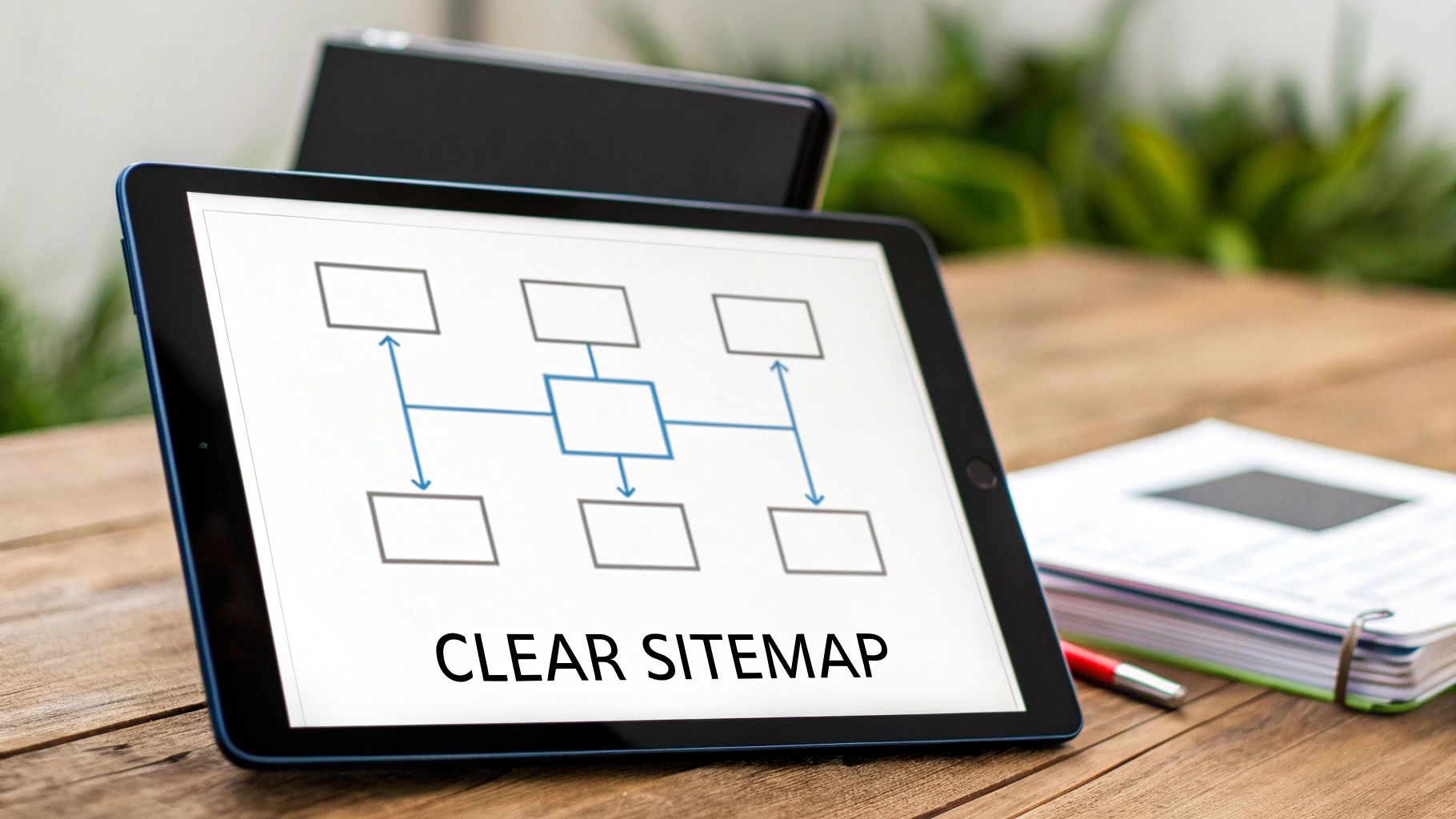
Alright, you've nailed down your goals and you know exactly who you're talking to. Brilliant. Now it’s time to actually map out the skeleton of your website.
Think of it this way: a site without a clear sitemap is like a shop with no aisles. Customers wander in wanting to buy something but get so lost and frustrated they just leave. This is where you turn your big ideas into a blueprint, making sure every page has a logical home and visitors can glide from one section to another without a second thought.
Building Your Website Sitemap
A sitemap isn’t just a boring list of pages. It’s the family tree of your website, showing how everything is connected. Your homepage sits right at the top, with main navigation pages branching off, and then smaller sub-pages tucked neatly underneath.
Honestly, the best way to show this in your brief is with a simple visual diagram. It lets a designer or developer see the entire scope and flow of the site in about 30 seconds. If you want to get really deep into this, our guide on how to plan website structure for SEO & UX is a cracking read.
Let's pretend you run a local plumbing and heating business in London. Your sitemap might look something like this:
Homepage * Services (Main Menu) * Boiler Installation & Repair * Central Heating Services * Emergency Plumber * Bathroom Fitting * About Us (Main Menu) * Our Team * Case Studies * Pricing (Main Menu) * Blog (Main Menu) * Contact Us (Main Menu)
See? Simple, clean, and it shows exactly where a user can go. No one gets lost.
Planning Your Content Needs Page by Page
With the map drawn, you now need to figure out what actually goes on each page. This is the part that saves you from that last-minute panic for text and images that always seems to derail projects. You’re not writing every word here, but you are deciding what content is needed and, crucially, who is going to provide it.
Don't be vague. Vague instructions lead to bland, generic content that completely misses the mark with the audience you've just spent ages defining.
Defining content needs upfront forces you to think about the purpose of every single page. It makes you ask, "What does a visitor need to see here to take the next step?"
Back to our London plumber. For their "Boiler Installation & Repair" page, the content plan could be:
Headline & Intro: Needs to be clear and benefit-focused. (Job for: Copywriter)
Video Testimonial: A short clip from a happy customer. (Job for: Marketing team to find one)
Service List: Bullet points of the specific boiler services we offer. (Job for: Copywriter)
Brand Logos: We need the logos of boiler brands we work with, like Vaillant and Worcester Bosch. (Job for: Client to supply)
Call to Action: A big, obvious "Get a Free Quote" form. (Job for: Developer to build)
This level of detail gets rid of any guesswork. Every element has a job to do. By assigning responsibility, you're also creating accountability, which keeps the whole project chugging along nicely.
Getting your sitemap and content strategy right is all about building a solid foundation. It turns your goals from wishful thinking into a concrete plan, ensuring the finished website isn't just pretty, but genuinely user-friendly and effective.
Articulating Your Design Vision and Technical Needs

Alright, now for the fun bit. This is where you get to translate that brilliant 'vibe' you've got floating around in your head into something a designer and developer can actually build. It’s one thing to know your brand needs to feel trustworthy, another to explain how that looks in terms of colours, fonts, and layouts.
This is also where we get down to brass tacks. A jaw-dropping design is totally useless if it can't handle the essential tasks your business needs to function. Nailing this part of your brief means the final website isn't just a pretty face—it's powerful, functional, and ready for action.
Translating Brand Personality into Design Language
Saying you want a "modern and clean" website is a start, but honestly, it’s about as helpful as asking for a "nice car." Your idea of modern might be someone else's idea of clinical and boring. You’ve got to get specific and provide concrete visual direction. No room for guesswork.
The best way to do this? Show, don't just tell. Scour the web and gather examples of websites you love—and just as importantly, sites you can't stand.
For every single example, pinpoint exactly what you like or dislike about it:
Layout: Are you drawn to spacious, minimalist designs with tons of breathing room, or do you prefer grid-style layouts packed with information?
Typography: Do you lean towards classic, elegant serif fonts, or are you all about bold, modern sans-serif typefaces?
Colour Palette: Get specific. Do you love earthy, muted tones, or are vibrant, high-energy colours more your thing?
Photography Style: How do the images feel? Are they authentic and candid, or polished and professional?
This simple exercise gives the design team a much deeper, almost instinctual, understanding of your taste.
Specifying Your Technical Must-Haves
With the design vision locked in, it's time to talk about the engine that will make it all run. This section is absolutely crucial for a developer to scope the project accurately and choose the right tools for the job.
Start with the big picture: the Content Management System (CMS). For heaps of small businesses, a platform like Wix offers a fantastic sweet spot between design flexibility and user-friendly management. If you have a preference, say it loud and clear and explain why. For example, "We need the site built on Wix because our marketing team already knows how to use the editor."
Don’t get bogged down if you're not a technical expert. Just focus on describing what the website needs to do. A good developer will translate your business needs into the right technical solution.
Next, get granular. List every single function your website must have. The more detail, the better.
E-commerce: Need a full online shop? Specify things like payment gateways (e.g., Stripe, PayPal), how you manage inventory, and any shipping integrations.
Booking System: Will customers book appointments? Walk through the process, from picking a time slot to getting a confirmation email.
Third-Party Integrations: List any other software your website needs to talk to. Think of your CRM (like HubSpot), email platform (like Mailchimp), or accounting tools.
User Accounts: Do users need to create a profile, log in, or get access to members-only areas?
Getting this clarity upfront prevents expensive surprises down the road and ensures your site is ready to support your business from day one. In the UK, with around 11.1 million registered websites and a staggering 66.02% of web traffic coming from mobile, your brief must demand a mobile-first design. Research shows UK users form an opinion about a site in 0.5 seconds, so you can't afford to get this wrong. To dig deeper, you can check out the latest UK website statistics.
This blend of creative vision and technical reality is what makes a brief truly powerful. It gives your team a clear framework to innovate within, ensuring the final product is exactly what you need.
Ready to turn your vision into a high-performing Wix website? The team at Baslon Digital can help you craft the perfect brief and bring your ideas to life.
Setting Timelines, Budgets, and Performance Metrics
Right, let's talk about the nitty-gritty. This is where your grand ideas meet the real world of calendars and spreadsheets. Nailing down your timeline, budget, and how you’ll measure success is what turns a wish list into a workable plan. Without this, you’re just asking for trouble.
Vague expectations are a project’s worst enemy. Trust me. They lead to scope creep, blown budgets, and a finished website that doesn’t actually do anything for your business. This part of the brief gives your web designer the clear boundaries they need to give you a realistic, helpful proposal.
Structuring a Realistic Project Timeline
A successful timeline isn't just a final launch date scribbled on a calendar. Think of it as a series of smaller, more manageable milestones that show you’re actually getting somewhere. Breaking the project into phases makes it feel less like climbing Everest and gives everyone a chance to check in and provide feedback along the way. Your designer will likely refine this, but giving them a starting point shows you’ve thought it through.
Your timeline should include a few key checkpoints:
Initial design approval: When do you realistically need to see and sign off on the first visual concepts?
Key functionality demos: If you’re getting a fancy booking system, when do you expect to see a working version you can play with?
Final content delivery: What’s the absolute drop-dead date for you to hand over all the text, images, and videos? Be honest with yourself here!
Testing window: When will you and your team need a few days to click around the nearly-finished site to spot any gremlins?
Target launch date: The big day. Make it clear if this is tied to a specific marketing campaign or event.
A classic rookie error is underestimating how long it takes to write content and get feedback from your own team. Always build some buffer time into your ideal timeline. Things always pop up.
Communicating Your Budget with Confidence
I get it, talking about money can feel a bit awkward. But honestly, it’s one of the most helpful things you can put in your brief. Giving a budget range doesn't mean a designer will automatically charge you the top figure; it means they can suggest a solution that actually fits what you can afford.
Without a budget, you’re likely to get proposals that are either wildly out of reach or way too basic for what you actually need. It’s a waste of everyone’s time.
Think about splitting your budget into two main pots:
One-Off Development Costs: This is for the whole shebang – the initial strategy, design, build, and launch.
Ongoing Maintenance & Support: Don't forget this bit. This covers things like hosting, security updates, and maybe a small retainer for future tweaks. A good rule of thumb is to budget around 15-20% of the initial project cost annually for maintenance.
Being upfront about your budget from the get-go saves so much back-and-forth and makes sure the proposals you receive are genuinely aligned with what you can invest.
Embedding Performance Metrics from the Start
A beautiful website that doesn't bring in leads or sales is just an expensive online brochure. To make sure your site delivers a real return, you have to build performance goals right into the brief from day one. This makes the whole project laser-focused on results, not just aesthetics.
First, define what a “conversion” actually is for your business. It's rarely just one thing.
A primary conversion is the main prize – think a direct sale or someone filling out your "Request a Quote" form.
A secondary conversion is a smaller win that shows interest, like a newsletter sign-up, a PDF download, or someone watching your demo video.
Once you know what you’re aiming for, get specific with your SEO and performance demands. This tells the developer that speed and visibility are non-negotiable. You should include some technical must-haves, like:
Site Speed Targets: Be specific. For example, "Must score 90+ on Google PageSpeed Insights for mobile."
Mobile-First Design: State clearly that the site must be built with a mobile-first approach. It’s 2024, after all.
Core Keywords: Pinpoint the main keywords for your most important pages. For instance, "The homepage must target 'Wix expert London'."
By baking these metrics into your brief, you’re not just asking for a website. You’re commissioning a powerful business tool that’s built to perform from the second it goes live.
Ready to build a website that hits your timeline, budget, and performance goals? Contact Baslon Digital today to chat about how we can turn your brilliant brief into a high-performing Wix website.
Your Action Plan and Downloadable Brief Template
Right, you’ve made it through all the critical parts of a killer website brief. Now it’s time to stop thinking and start doing. Let's get all those brilliant ideas—your goals, audience insights, and tech needs—out of your head and into a document that actually gets things done.
To make this dead simple, we've put together a comprehensive, downloadable website brief template. This isn't just a blank page with headings; it’s a proper guide designed to pull the exact information your web designer is desperate to see.
Putting the Template into Practice
The template is laid out just like the sections we've covered, so filling it out should be a breeze. As you go, flick back to the notes you've made on everything from your SMART goals to the personas you've built.
To give you a real sense of how it works, we’ve included two pre-filled sample briefs:
Example 1: The Local Service Business: You'll see how a local electrician clearly states they need a simple booking system, maps out their service area, and lists the specific local keywords they want to rank for.
Example 2: The E-commerce Brand: This one shows you how to break down product categories, specify which payment gateways you need, and articulate the look and feel for a growing online shop.
These examples prove that the same template can work for completely different businesses. For even more inspiration, it's worth checking out other top-notch design brief examples with real-world templates.
This handy visual below shows exactly how your timeline, budget, and metrics are the engine room of your entire brief.
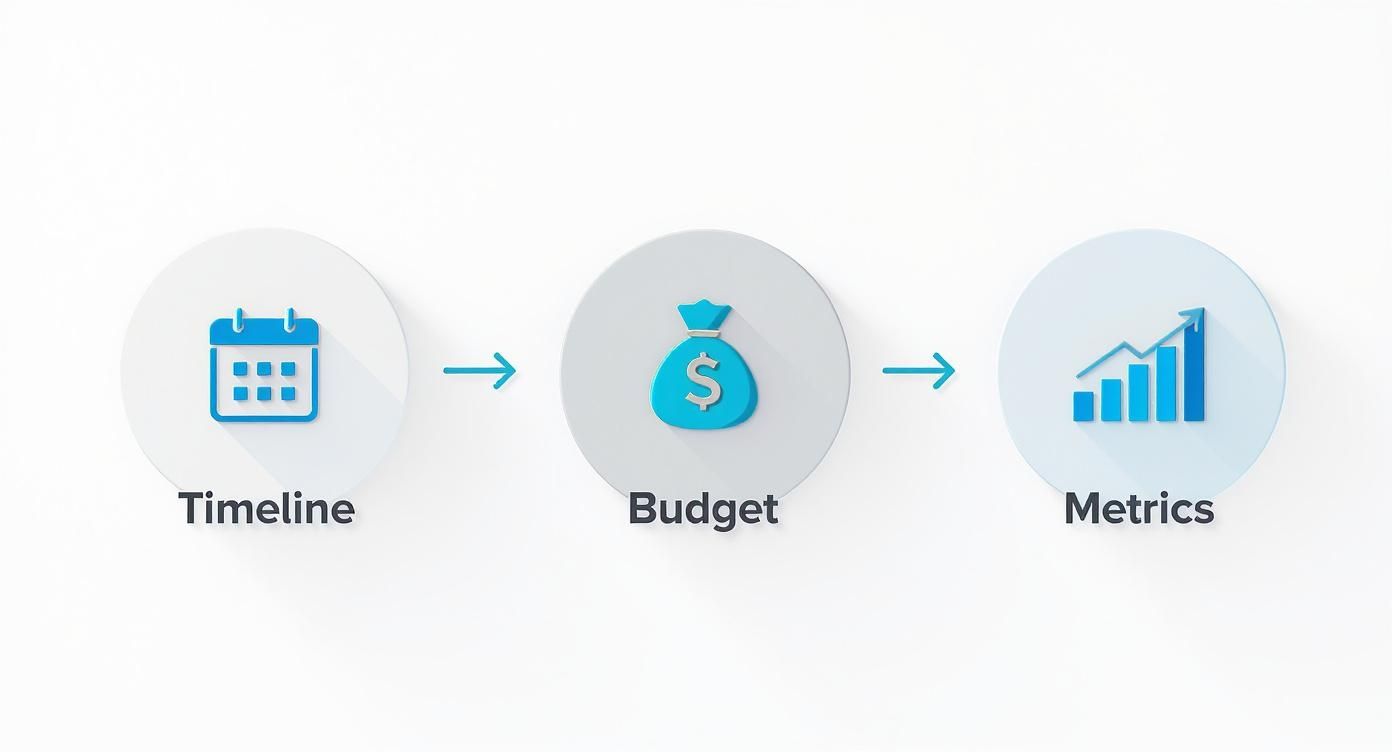
It’s a great reminder that everything is connected. Get these right, and you’re well on your way to a project that stays on track and delivers results you can actually measure.
A great brief is more than just a document; it's a statement of intent. It shows your designer or agency that you're serious, you've done your homework, and you're ready to build something incredible. Honestly, this level of prep is what separates a smooth, successful project from a costly, frustrating nightmare.
Your journey to a better website starts with this one step. No more guesswork.
Download our free website brief template now. Start your project with the clarity and confidence it deserves. Let's build something amazing together.
A Few Lingering Questions About Website Briefs
Even with the best guide, a couple of questions always seem to pop up right when you're about to put pen to paper (or, you know, fingers to keyboard). Let's clear those up so you can finalise your brief with total confidence.
How Detailed Should My Website Brief Be?
Think 'clear but not bossy'. The goal is to give a developer or designer enough information to totally get your business goals, who you're trying to reach, and your absolute must-haves. But you don't want to stifle their creative genius.
Focus on spelling out the ‘what’ and the ‘why’, and then let the professionals figure out the best ‘how’.
For instance, list your brand colours and maybe link to a Pinterest board that captures your vibe, but let the designer propose the actual layouts. A good rule of thumb? The more complex your project, the more detail you'll need—especially when it comes to things like technical integrations or connecting to third-party systems.
What If I Don’t Know All the Technical Answers?
It’s completely okay! In fact, most clients aren't tech experts—that's why you're hiring one. Honestly, the best thing you can do here is just be upfront about it. If you're scratching your head over the best CMS or hosting solution, don't guess. Instead, just state what you need the website to do.
You could write something like, "We need a platform that’s super user-friendly, so our marketing team can easily publish two blog posts a week without needing a developer." A good agency will see this as an opportunity to step in, offer solid advice, and recommend the right tools for the job. Frame your unknowns as problems you need their expertise to solve.
Your brief isn't a test. It's a conversation starter. Being open about what you don't know invites collaboration and ensures you get the best possible technical advice for your specific situation.
Should I Actually Include My Budget in the Brief?
Yes. Absolutely. 100%.
I know it can feel a bit awkward to put a number out there, but sharing a realistic budget range is one of the most efficient things you can do. It immediately helps agencies propose a solution that actually fits what you can spend, saving everyone a massive amount of back-and-forth.
Without a budget, you risk getting proposals that are either way too expensive or far too basic for what you need. A clear budget helps the team prioritise features and recommend where your investment will have the most impact, making sure you get the best value for your money.
Crafting the perfect website brief is your first big step towards a successful project. The next is finding the right partner to bring that vision to life. At Baslon Digital, we specialise in transforming clear briefs into stunning, high-performing Wix websites that get real results for small businesses.
Ready to build a website that works as hard as you do? Contact us today for a free consultation. Don't wait to turn your vision into reality. Your new website is just a conversation away.

Comments