7 Examples of Good Portfolio Websites & Builders to Inspire You in 2026

Your portfolio is more than a gallery of your work; it's your professional handshake, your digital storefront, and your strongest sales pitch. A good portfolio website needs to do more than just display projects. It must tell a compelling story, guide visitors effortlessly, and ultimately, convert them into clients. It's the difference between a potential client clicking 'contact' or closing the tab.
We've analysed what separates the merely functional from the truly exceptional, focusing on strategic elements like clear messaging, intuitive user experience, and visual polish. This guide breaks down seven outstanding examples and the platforms behind them, from Webflow to WordPress, offering deep insights and actionable takeaways you can use to build a portfolio that doesn't just show your work, but sells it. Ultimately, the goal is to create a memorable brand identity, and your portfolio website is your most powerful tool for achieving this.
Each example in our curated list includes screenshots, direct links, and a strategic breakdown of what makes it effective. We will explore how to choose the right platform and design a site that not only looks professional but is strategically built to win you business. We'll pay special attention to how versatile tools like Wix Studio can deliver a premium, bespoke feel without the bespoke price tag.
By the end of this article, you will have a clear framework for creating a portfolio that captures attention and drives conversions. If you're looking to elevate your professional presence but aren't sure where to begin, the team at Baslon Digital can help you design a portfolio that truly reflects the quality of your work. Let's consider 7 Examples of Good Portfolio Websites & Builders to Inspire You in 2026
1. Wix - Wix Studio Website Designer
Best For: Creatives and small businesses seeking a professional, custom-designed portfolio without the technical overhead.
Wix has long been a dominant force in the DIY website builder space, but its evolution into Wix Studio represents a significant leap forward, particularly for creating good portfolio websites. For those who want the power of a bespoke design without navigating the complexities of code, pairing Wix Studio with a professional design service like Baslon Digital’s “Wix Studio Website Designer” offers an exceptional, well-rounded solution. This approach combines the platform's advanced design capabilities with expert strategy, resulting in a portfolio that is not only visually stunning but also engineered to convert visitors into clients.
This service is ideal for entrepreneurs, freelancers, and small businesses who understand that their website is a critical business asset. It moves beyond simple drag-and-drop templates to deliver a pixel-perfect, brand-aligned online presence. The focus is squarely on creating a seamless user experience that guides visitors through your work, tells your brand story, and culminates in a clear, persuasive call to action.
Strategic Deep Dive: Why This Approach Excels
The core strength of using a specialised service like this lies in the fusion of high-end design and conversion-focused marketing strategy, all built upon a robust and accessible platform. You get the polish of an agency-built site with the underlying simplicity and speed that Wix Studio is known for.
Conversion-First Design: A great portfolio does more than just display work; it generates leads. This service prioritises intuitive navigation, clear messaging, and strategically placed calls-to-action (CTAs) to actively encourage enquiries, bookings, or sales.
Brand-Driven Customisation: Your portfolio becomes a true extension of your brand identity. The design process is collaborative, ensuring the final product reflects your unique style and business goals, setting you apart from template-based competitors.
Built-in SEO Foundation: The service includes an SEO-minded structure from the ground up. This means your new portfolio is not just a digital brochure but a tool optimised to attract organic traffic from search engines.
Future-Proof & Scalable: Built on Wix Studio, the site is inherently responsive, ensuring a flawless experience on any device. The platform also allows for easy updates and additions, so your portfolio can grow alongside your business.
Key Features and Advantages
Feature | Benefit for Your Portfolio |
|---|---|
Custom Wix Studio Design | A unique, modern, and visually polished website that captures your brand's essence and avoids the "cookie-cutter" look of standard templates. |
End-to-End Service | The entire process is managed for you, from initial design concepts to a fully functional, optimised website, saving you significant time and effort. |
Conversion-Optimised UX | The user journey is carefully mapped to guide visitors towards your primary goal, whether that's filling out a contact form or booking a consultation. |
Ongoing Support | Optional maintenance and support packages ensure your site remains secure, updated, and performing at its best long after launch. |
Local UK Expertise | Working with a London-based agency like Baslon Digital offers personalised collaboration and a deep understanding of the local market. |
Actionable Takeaways for Your Own Portfolio
Whether you use a service or build your own, adopt these professional strategies:
Define Your Primary Goal: Before any design work begins, decide what you want visitors to do. Is it to contact you, view your case studies, or buy a product? Every element on your site should support this goal.
Invest in High-Quality Visuals: Your portfolio is only as strong as the work it displays. Use high-resolution images and videos of your best projects.
Write Compelling Copy: Your words matter. Clearly articulate who you are, what you do, and the value you provide. Use client testimonials to build trust and credibility.
Pros and Cons
Pros:
Leverages Wix Studio’s advanced design capabilities for a high-end finish.
A fully managed, end-to-end service reduces the technical burden on you.
Focuses on business outcomes (leads, sales) rather than just aesthetics.
Faster build times compared to fully custom-coded websites.
Cons:
Wix platform limitations may affect highly complex, custom back-end integrations.
Agency design and ongoing maintenance represent a higher initial investment than a DIY approach.
Learn more at Baslon Digital.
Ready to build a portfolio that not only showcases your work but actively grows your business? Baslon Digital specialises in creating stunning, high-performance websites. Contact us today to discuss your project and see how we can bring your vision to life.
2. Wix
Wix stands out as one of the most popular all-in-one website builders, and for good reason. Its core strength lies in its accessibility, offering a powerful platform that caters to both absolute beginners and seasoned design professionals. This makes it a formidable choice for anyone looking to create a visually impressive portfolio without a steep learning curve. The platform is particularly known for its vast library of over 900 professionally designed templates, many of which are specifically tailored for portfolios across various disciplines like photography, graphic design, and architecture.
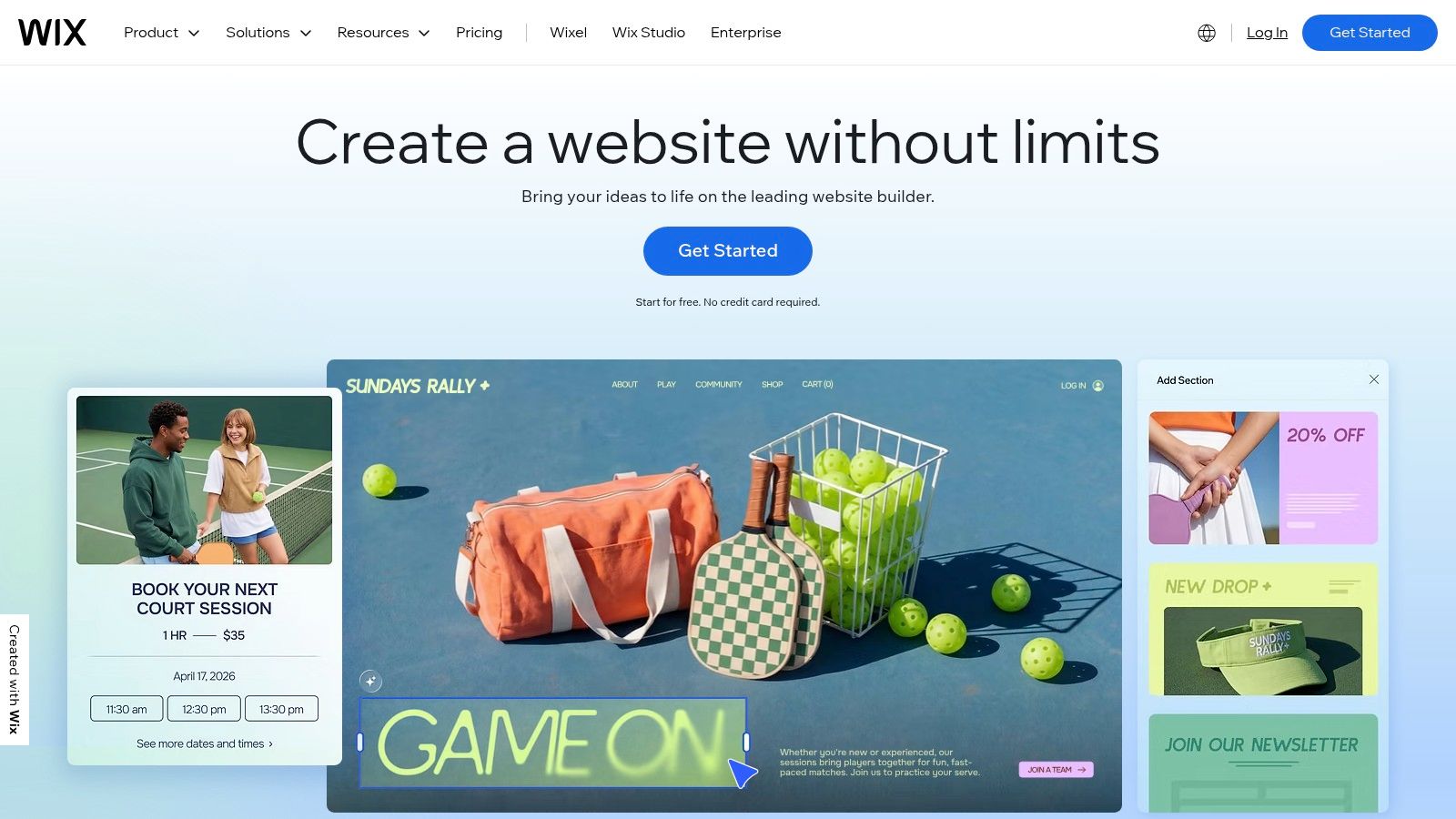
This extensive template selection, combined with a user-friendly drag-and-drop editor, allows you to launch a polished and unique portfolio website quickly. For creatives who need more advanced control, Wix Studio offers a sophisticated editor with features like responsive AI, reusable design assets, and collaborative tools for teams and agencies.
Why It Makes Our List
What makes Wix one of the best platforms for good portfolio websites is its blend of simplicity and power. It removes the technical barriers to web design while providing deep customisation options and a robust feature set that can grow with your career.
Ease of Use: The standard Wix Editor is incredibly intuitive. You can drag elements anywhere on the page, offering a high degree of creative freedom without needing to touch a single line of code.
Portfolio-Specific Tools: The Wix Pro Gallery is a standout feature, offering advanced image control, video and text support, and various layouts (like grid, slider, and masonry) to showcase your work in the best possible light.
Scalability: Your portfolio can evolve. With the Wix App Market, you can easily add functionality like an online store to sell prints, a booking system for client appointments, or a blog to share your process.
Pricing
Wix operates on a freemium model. You can create and publish a site for free, but it will have Wix branding and a non-custom domain.
Light Plan: Starts at £7.50/month for a basic ad-free site with a custom domain.
Core & Business Plans: Ranging from £14 to £27/month, these plans add e-commerce capabilities, booking features, and more storage.
Enterprise: Custom pricing for large-scale business needs.
All paid plans include a free custom domain for the first year, though renewal prices can be higher than third-party registrars.
Actionable Takeaway
When building your Wix portfolio, start by leveraging a template that closely matches your aesthetic, but don't be afraid to customise it heavily. A common mistake is using a template with minimal changes, which can make your site look generic. Focus on replacing stock images with high-quality photos of your work, adjusting the colour palette to match your personal brand, and choosing typography that reflects your professional style. Utilise the built-in SEO tools from the beginning to ensure potential clients can find you through search engines.
If you're looking for a portfolio that not only showcases your work but is also strategically built to convert visitors into clients, the experts at Baslon Digital can help. Contact us today for a consultation on your portfolio design.
3. Squarespace
Squarespace has carved out a distinct niche as the design-led website builder of choice for creatives who prioritise aesthetic polish and elegance. It is renowned for its curated selection of clean, award-winning templates that feel more like boutique designs than out-of-the-box solutions. This makes it an exceptional platform for photographers, designers, artists, and consultants who need a sophisticated and professional online presence with minimal fuss. The platform’s philosophy is built around making high-end design accessible, ensuring that every portfolio built on it is mobile-responsive and visually striking from the start.
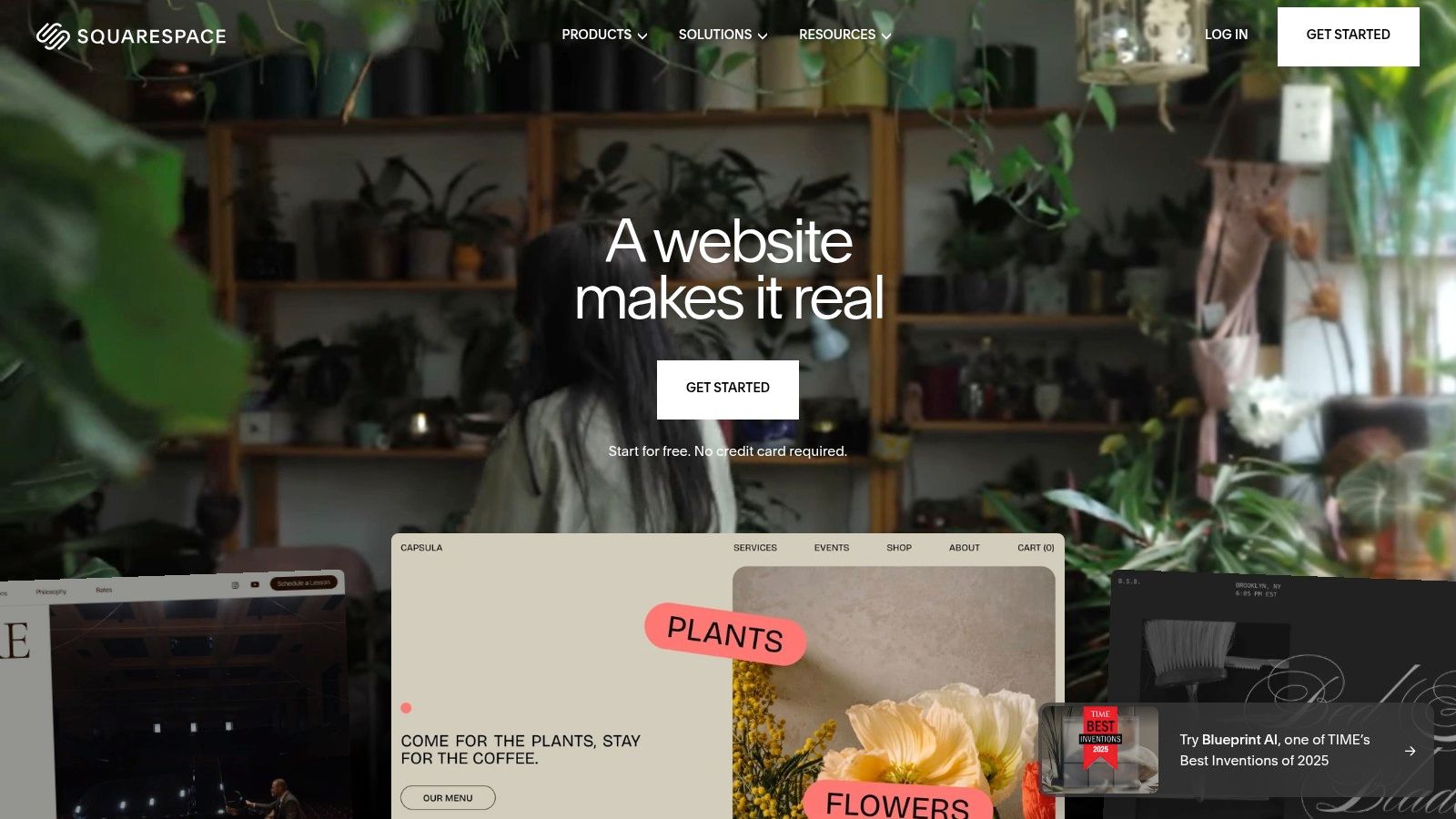
Unlike builders that offer infinite but sometimes overwhelming customisation, Squarespace provides a more guided experience. It uses a structured grid-based editor that ensures layouts remain balanced and professional. This all-in-one approach extends beyond design, bundling hosting, security, and a suite of powerful marketing tools like email campaigns, scheduling, and e-commerce capabilities directly into the platform, allowing you to manage your entire professional brand from one place.
Why It Makes Our List
Squarespace earns its spot as one of the best platforms for good portfolio websites due to its unwavering focus on visual quality and seamless integration. It’s the ideal solution for professionals who want their work to be the hero, framed by a website that looks custom-built without the associated cost or complexity. This approach aligns perfectly with the principles of what makes good website design, ensuring your portfolio is both beautiful and effective.
Exceptional Template Quality: Squarespace's templates are its crown jewel. They are consistently modern, clean, and artfully designed, providing a stunning foundation that lets your creative work shine.
Integrated Professional Tools: Beyond just showcasing work, you can sell prints or digital products with integrated e-commerce, let clients book consultations with Squarespace Scheduling, and build an audience with Email Campaigns.
Simplicity and Reliability: The platform is incredibly user-friendly and handles all the technical backend tasks-like hosting, updates, and SSL security-so you can focus entirely on your content and business.
Pricing
Squarespace offers a 14-day free trial, but all plans are paid to publish a live site. Pricing is billed annually for the best rates.
Personal Plan: Starts at £12/month for a fully-featured portfolio site with a custom domain.
Business Plan: At £17/month, this plan adds e-commerce with a 3% transaction fee, advanced analytics, and promotional pop-ups.
Commerce Plans: Ranging from £23 to £35/month, these plans offer 0% transaction fees and advanced e-commerce features.
All annual plans come with a free custom domain for the first year.
Actionable Takeaway
Select a Squarespace template based on its inherent structure and functionality rather than just its demo images and colours, as these are easily changed. The core layout is what matters most. Invest time in creating professional, high-resolution images of your work, as the platform's visually-driven templates rely heavily on strong imagery. Use the built-in Style Editor to define a consistent brand identity with your chosen fonts and colour palette. Finally, take advantage of the portfolio-specific page layouts and gallery blocks to present your projects in a compelling, case-study format.
4. Webflow
Webflow is the platform of choice for designers and creatives who want complete, pixel-perfect control over their portfolio's design without being forced to write code from scratch. It bridges the gap between traditional website builders and custom development, offering a powerful visual design tool that writes clean, semantic code in the background. This makes it an exceptional option for creating truly bespoke portfolio websites with advanced animations, custom interactions, and sophisticated layouts that stand out from template-driven designs.
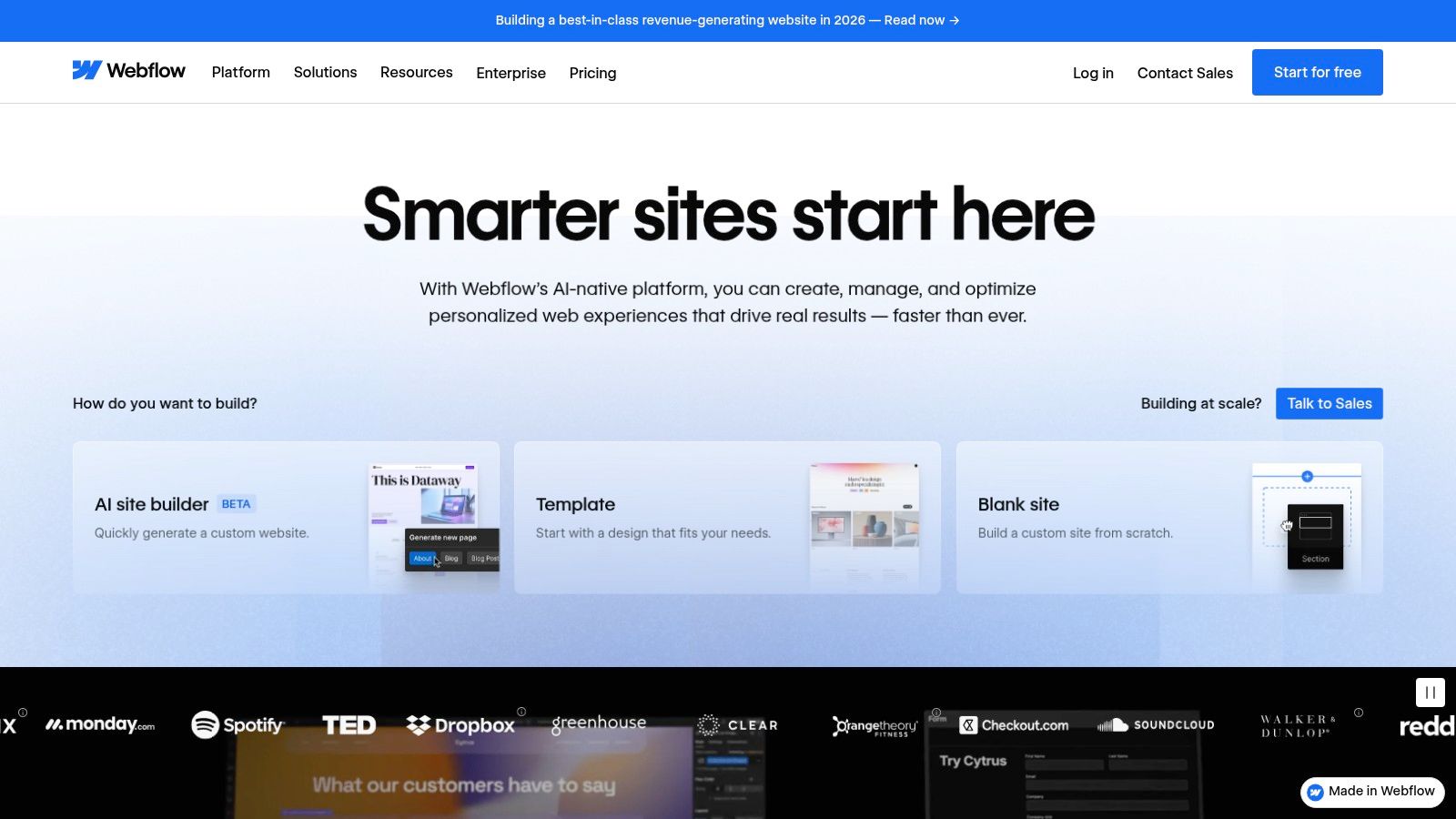
The platform is built around its visual "Designer," which gives you direct control over HTML, CSS, and JavaScript properties. For portfolios, its powerful CMS (Content Management System) is a game-changer, allowing you to easily create and manage collections of projects, case studies, or blog posts. This combination of granular design control and robust content management is what sets Webflow apart for professionals who need a site that is both beautiful and functional.
Why It Makes Our List
Webflow earns its spot among the best platforms for good portfolio websites because it empowers creatives to build sites that are as unique as their work. It removes the design limitations often found in simpler builders, allowing for unparalleled customisation that can perfectly match a personal brand identity.
Unmatched Design Freedom: With Webflow, you are not confined to pre-set blocks or sections. You can build any layout you can imagine, with fine-grained control over spacing, positioning, and styling, all within a visual interface.
Advanced Animations & Interactions: The Interactions panel allows you to create complex, timeline-based animations and scroll-based effects that bring your portfolio to life. This is perfect for engaging visitors and demonstrating your creative capabilities.
Powerful CMS: The integrated CMS is ideal for managing dynamic portfolio content. You can create a structure for your projects once, and then easily add new work through a simple form, which automatically populates your site in the design you created.
Pricing
Webflow offers a free plan to learn and build, but you'll need a paid plan to connect a custom domain and remove branding. Pricing is in USD, so UK users should account for currency conversion and VAT.
Starter Plan: Free for building up to two sites on a webflow.io subdomain.
Basic Plan: Starts at $14/month (billed annually) for a custom domain and basic features.
CMS & Business Plans: Ranging from $23 to $39/month (billed annually), these add CMS items, a site search feature, and more form submissions, making them ideal for content-heavy portfolios.
Enterprise: Custom pricing for larger organisations.
Actionable Takeaway
When starting with Webflow, take advantage of the official template marketplace to speed up your build. Find a portfolio template that has a structure you like and then use the Designer to completely deconstruct and rebuild it to fit your brand. Focus on mastering one or two key interactions, such as a subtle on-scroll fade-in for project images or a hover effect on your work grid. This will add a layer of professional polish without overwhelming the user experience. Use the CMS from day one to structure your case studies; this will make your portfolio much easier to update in the future as you complete new projects.
If you want a high-performance, custom-designed Webflow portfolio without the steep learning curve, the team at Baslon Digital specialises in creating stunning sites that capture attention. Contact us today for a consultation on your portfolio design.
5. WordPress.com
WordPress.com offers a managed and streamlined version of the world's most popular content management system, balancing the immense power of WordPress with the convenience of an all-in-one builder. This makes it an exceptional choice for creators who want a portfolio that can grow into something much more, like a thriving blog, a content hub, or a full-featured business site. It provides a structured yet flexible environment, perfect for those who anticipate needing advanced functionality down the line.
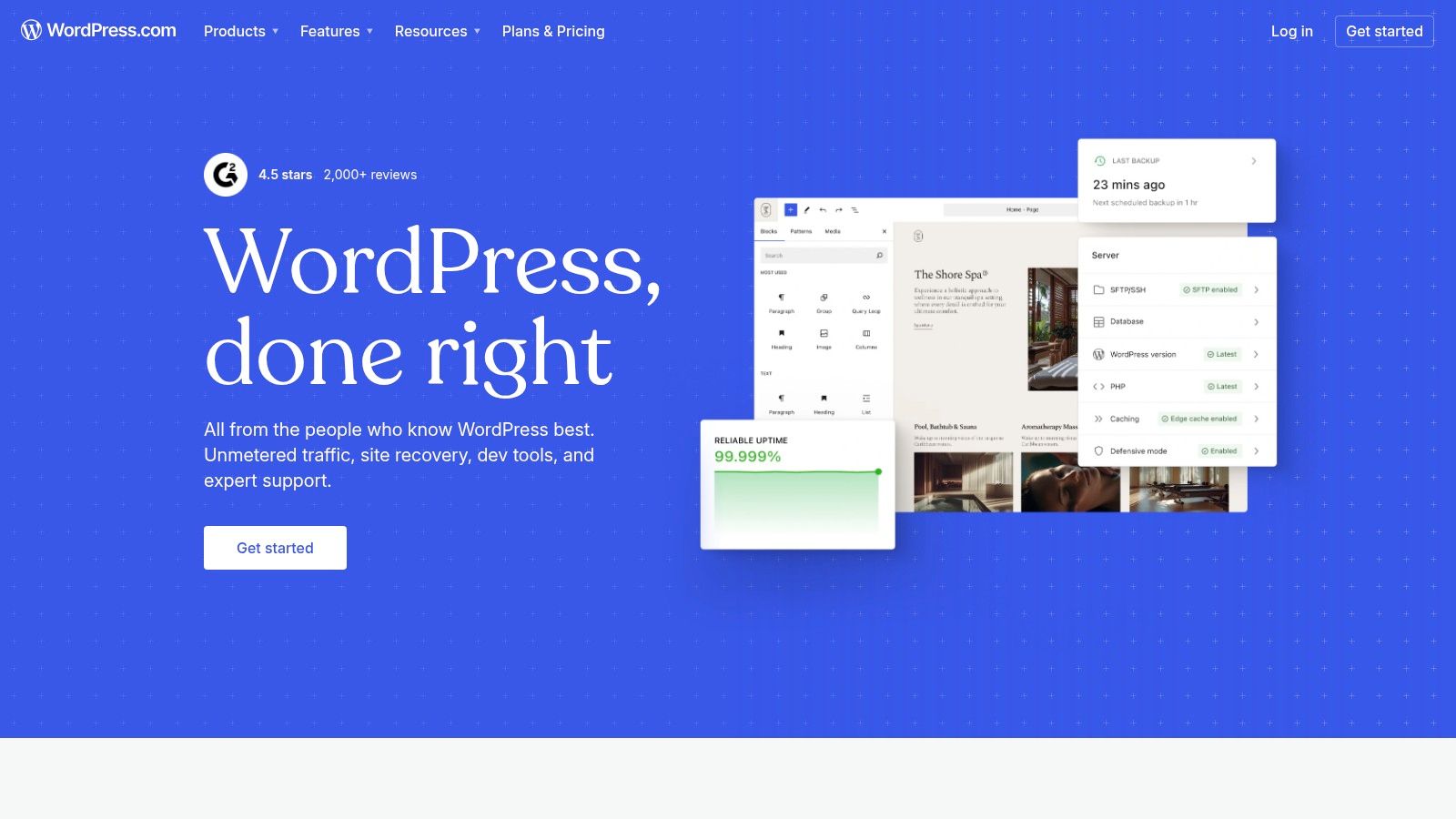
The platform’s strength is its scalability. You can start with a simple, elegant portfolio using one of the many available themes and the intuitive block editor. As your needs evolve, you can upgrade to install custom themes and powerful plugins for SEO, e-commerce, and bespoke gallery designs, giving you nearly limitless potential for customisation.
Why It Makes Our List
WordPress.com secures its spot as one of the best platforms for good portfolio websites because it offers an unmatched growth path. It's the ideal platform for professionals who see their portfolio as the foundation of a larger online brand, combining managed hosting convenience with the extensibility the WordPress ecosystem is famous for.
Unrivalled Extensibility: On higher-tier plans, you gain access to over 50,000 plugins. This allows you to add advanced SEO tools like Yoast, sophisticated gallery plugins like Envira Gallery, or even full e-commerce functionality with WooCommerce.
Content-First Approach: With its roots in blogging, WordPress.com is excellent for creatives who want to complement their portfolio with case studies, articles, or behind-the-scenes content to attract an audience.
Vast Theme Selection: Beyond the built-in options, the platform is compatible with thousands of third-party portfolio themes from marketplaces like ThemeForest, giving you a massive pool of design starting points.
Pricing
WordPress.com uses a tiered subscription model, including a free option with basic features, WordPress.com branding, and a subdomain.
Personal Plan: Starts at £3/month (billed annually) for a custom domain and ad removal.
Premium Plan: Around £7/month (billed annually), adding advanced design tools, Google Analytics integration, and the ability to monetise your site.
Business Plan: At £20/month (billed annually), this is where the platform's true power is unlocked, allowing plugin and custom theme installation.
It’s crucial to understand the differences between plans, as key features like plugin installation are only available on the Business plan and above. For a deeper dive into how it compares with other builders, you can explore our detailed WordPress.com platform analysis.
Actionable Takeaway
If you choose WordPress.com, think long-term from day one. Select a well-coded, responsive portfolio theme that aligns with your brand. While the block editor is powerful for page building, the theme provides the fundamental design structure. Invest time in learning the basics of the editor to create custom layouts for your project pages, combining images, videos (using the VideoPress feature on premium plans), and text to tell a compelling story for each piece of work. Even on lower-tier plans, focus on creating high-quality blog content related to your field to build authority and attract organic traffic.
6. Adobe Portfolio
For creatives deeply embedded in the Adobe ecosystem, Adobe Portfolio presents the most seamless path to a professional online presence. Its core strength is its direct integration with Creative Cloud applications, making it an incredibly efficient choice for photographers, illustrators, and designers who manage their work in Lightroom and Behance. It's designed to get your work online quickly with minimal friction, focusing on clean, image-led layouts.
The platform strips away the complexities of web design, offering a curated selection of polished, responsive themes that prioritise your creative work. Instead of a drag-and-drop builder, it uses a straightforward panel-based editor where you can adjust layouts, typography, and colours. This simplicity makes it one of the fastest ways to launch a visually stunning and good portfolio website.
Why It Makes Our List
Adobe Portfolio earns its spot for being the ultimate tool for efficiency within the Adobe suite. It removes the need for exporting and re-uploading, allowing you to sync entire projects and photo collections directly to your live website, saving an immense amount of time and effort.
Seamless Adobe Integration: The ability to sync photo albums directly from Lightroom or pull in projects from your Behance profile is a game-changer. Any updates you make in those apps can be reflected on your website with just a few clicks.
Cost-Effective: For existing Creative Cloud subscribers (on most plans), Adobe Portfolio is included at no extra cost. This provides exceptional value, bundling a high-quality portfolio tool with the industry-standard software you already use.
Professionally Focused Themes: The templates are specifically designed to showcase creative work. They are clean, minimalist, and built around high-impact visuals like full-bleed images, project case studies, and elegant photo grids.
Pricing
Adobe Portfolio is not available as a standalone subscription. Its value is tied directly to an Adobe Creative Cloud subscription.
Included with Creative Cloud: Access is bundled with most plans, including the Photography Plan (from £9.98/month) and the All Apps plan.
What's Included: Your subscription covers unlimited pages, hosting, and the ability to connect a custom domain name (which you must purchase separately).
This model makes it a highly attractive option if you're already paying for Adobe software, but less so if you are not.
Actionable Takeaway
Maximise the platform's integration features to create a dynamic portfolio that stays current with minimal effort. Instead of treating your website as a static archive, use Lightroom's sync feature to create a "living" gallery that automatically updates as you edit and add new photos. This ensures your site always showcases your latest and best work. Learn more about how to structure your projects effectively in our guide to creating a client-winning portfolio website. Also, use the Behance integration to import detailed case studies, saving you the time of rebuilding them from scratch.
7. ThemeForest (Envato)
ThemeForest, part of the Envato Market ecosystem, is a vast marketplace for website templates and themes rather than an all-in-one builder. Its core strength lies in offering an almost unparalleled selection of professionally designed themes for platforms like WordPress, as well as static HTML/CSS templates. This makes it an ideal choice for creatives who have some technical confidence or prefer the flexibility of choosing their own hosting and content management system (CMS). The platform is a go-to resource for finding highly specific, niche portfolio designs that can be purchased for a one-time fee.
The ability to see live demos, check sales figures, and read user reviews for each theme provides a layer of social proof and transparency. Many popular themes are bundled with premium plugins like page builders (e.g., WPBakery or Elementor) and sliders, offering significant value and extending customisation capabilities without needing to code from scratch. This approach gives you a professional starting point that you can then build upon.
Why It Makes Our List
ThemeForest earns its spot as a source for good portfolio websites by providing immense choice and professional-grade design at a cost-effective price point. It empowers users to build a high-end-looking site on a powerful platform like WordPress, giving them full ownership and control over their digital presence.
Unmatched Variety: With thousands of themes from different authors, you can find a unique aesthetic for any creative field, from minimalist photography portfolios to dynamic agency showcases with advanced animations.
Cost-Effectiveness: A one-time purchase, often including future updates, can be significantly cheaper in the long run than a monthly subscription to a website builder, especially for a portfolio that doesn't need constant overhauls.
Feature-Rich Designs: Top-selling themes are often packed with features, multiple homepage layouts, portfolio styles, and customisation options that would be expensive to develop from the ground up.
Pricing
ThemeForest operates on a per-item-licence model. You pay a one-time fee for the theme, which typically includes six months of author support.
WordPress Portfolio Themes: Prices generally range from £25 to £65 for a Regular Licence.
HTML Templates: Often slightly cheaper, typically falling between £10 and £30.
Support Extension: You can usually extend author support to 12 months for an additional fee at the time of purchase.
Remember to factor in the additional costs of domain registration and web hosting, as these are not included with your theme purchase.
Actionable Takeaway
When selecting a theme on ThemeForest, look beyond just the design. Pay close attention to the item's last update date, sales numbers, and user reviews. A theme that is frequently updated and well-supported is less likely to have security vulnerabilities or compatibility issues. Before purchasing, thoroughly explore the live demo on both desktop and mobile to ensure its responsive design meets your standards. After installation, focus on optimising your images, as high-resolution media can slow down self-hosted sites if not properly compressed.
Top 7 Portfolio Website Platforms Comparison
Product | Implementation 🔄 (complexity) | Resources ⚡ (time & cost) | Expected Outcomes ⭐📊 | Ideal Use Cases 💡 | Key Advantages |
|---|---|---|---|---|---|
Wix - Wix Studio Website Designer (Baslon Digital) | 🔄 Medium — agency-led build, low client technical effort | ⚡ Moderate — agency fees; faster than custom; ongoing maintenance extra | ⭐⭐⭐⭐ — polished, conversion-focused sites with measurable leads/sales 📊 | 💡 Small businesses or individuals needing a tailored Wix site delivered quickly by a local agency | Custom brand-driven design; conversion-first UX; end-to-end service |
Wix (platform) | 🔄 Low–Medium — drag-and-drop for beginners; Studio for advanced builds | ⚡ Low–Moderate — subscription + optional apps or developer time | ⭐⭐⭐ — fast to launch polished portfolios; scalable to ecommerce/bookings 📊 | 💡 Beginners to pros launching portfolios quickly; teams using Studio | Large template library; flexible editors; App Market |
Squarespace | 🔄 Low — template-led, minimal setup | ⚡ Low — subscription includes hosting and many built-in tools | ⭐⭐⭐ — consistent, elegant visuals with integrated marketing/ecommerce 📊 | 💡 Creatives who want visually strong sites with minimal maintenance | High-quality templates; integrated analytics, commerce and hosting |
Webflow | 🔄 High — near–pixel control, steeper learning curve | ⚡ Moderate–High — longer design time; hosting in USD; possible developer cost | ⭐⭐⭐⭐ — highly custom, interactive portfolios and scalable CMS 📊 | 💡 Designers/agencies needing bespoke interactions and fine-grain control | CSS-level control; robust animations; exportable code and CMS |
WordPress.com | 🔄 Medium — managed hosting but plugins/themes add complexity | ⚡ Variable — low for basic sites, higher for custom plugins/themes | ⭐⭐⭐ — extensible portfolios with strong blogging/SEO potential 📊 | 💡 Projects that will grow into blogs, custom features or need many plugins | Large ecosystem of themes/plugins; managed hosting reduces admin overhead |
Adobe Portfolio | 🔄 Very Low — fastest setup within Creative Cloud | ⚡ Low — included with many Creative Cloud plans | ⭐⭐ — quick gallery-led portfolios with excellent image handling 📊 | 💡 Photographers/designers already using Lightroom/Behance | Tight Lightroom/Behance integration; minimal setup; image-first themes |
ThemeForest (Envato) | 🔄 Medium — buy template then self-host/customise; technical skills often required | ⚡ Low (one-time purchase) + hosting/dev time | ⭐⭐⭐ — broad style options; outcome depends on theme quality and implementation 📊 | 💡 Buyers who want a cost-effective template and can handle hosting/customisation | Huge variety across platforms; one-time licenses; many proven items |
Ready to Build a Portfolio That Gets You Hired?
We've journeyed through a curated selection of truly good portfolio websites, breaking down the strategies and design principles that make them stand out. From the dynamic animations possible in Wix Studio to the structured elegance of Squarespace templates, the common thread is clear: a successful portfolio is more than just a gallery of your work. It’s a strategic, narrative-driven experience designed to guide a visitor from casual observer to engaged client.
The examples we analysed demonstrate that effectiveness lies in the details. It's about crafting a compelling "About Me" story, writing project case studies that reveal your problem-solving process, and integrating clear calls-to-action that tell visitors exactly what to do next. A great portfolio anticipates the user’s needs, answers their questions before they even ask, and builds a powerful case for your expertise.
Turning Inspiration into Action
The first step in applying these lessons is to choose the right platform for your needs. This decision will shape your design capabilities, your budget, and the time you invest.
For Creative Freedom & Control: Platforms like Wix (especially Wix Studio) and Webflow offer immense design flexibility. They are ideal for designers, developers, and creatives who want a unique, highly customised site without being locked into a rigid template.
For Speed & Simplicity: If you need to get a professional-looking site online quickly, Squarespace and Adobe Portfolio are excellent choices. Their template-based systems ensure a polished, cohesive look with minimal technical fuss.
For Ultimate Scalability: WordPress, especially when paired with themes from marketplaces like ThemeForest, provides unparalleled power. It's the best option if you plan to integrate a complex blog, e-commerce, or other advanced functionalities down the line.
Key Takeaways for a High-Performing Portfolio
Regardless of the tool you select, the core principles of an effective portfolio remain the same. Before you begin building, solidify your strategy around these three pillars:
Define Your Unique Value Proposition: What makes you different? Your portfolio’s headline, bio, and project descriptions should all echo this central message, creating a cohesive brand identity.
Curate, Don't Catalogue: Resist the temptation to show everything. Select only your strongest, most relevant projects that align with the type of work you want to attract. Quality will always triumph over quantity.
Optimise the User Journey: Think like a potential client. Is your navigation intuitive? Is your contact information easy to find? Does each page guide the visitor towards a specific goal, whether it’s viewing a case study or scheduling a consultation?
Remember, your online portfolio often works in tandem with other professional documents. While your portfolio showcases your work, a strong resume is equally vital. Explore valuable resources like student resume templates with real examples to perfect your application and present a complete, compelling picture of your capabilities.
Ultimately, building one of these good portfolio websites is an investment in your professional future. It’s your digital handshake, your 24/7 salesperson, and the most powerful tool you have for controlling your professional narrative. Take the insights from the exceptional examples we've explored, choose the platform that best fits your vision, and start building a portfolio that doesn’t just show your work, it sells it.
Feeling overwhelmed by the options and want a professional touch? As a specialist Wix website design agency, Baslon Digital creates bespoke, high-performance portfolios that turn visitors into clients. Let us handle the design and strategy, so you can focus on what you do best. Contact us today to get started on a portfolio that truly represents your talent and wins you business.
Comments